Featured Projects
Each project includes a demo + a mini case study for hiring managers.
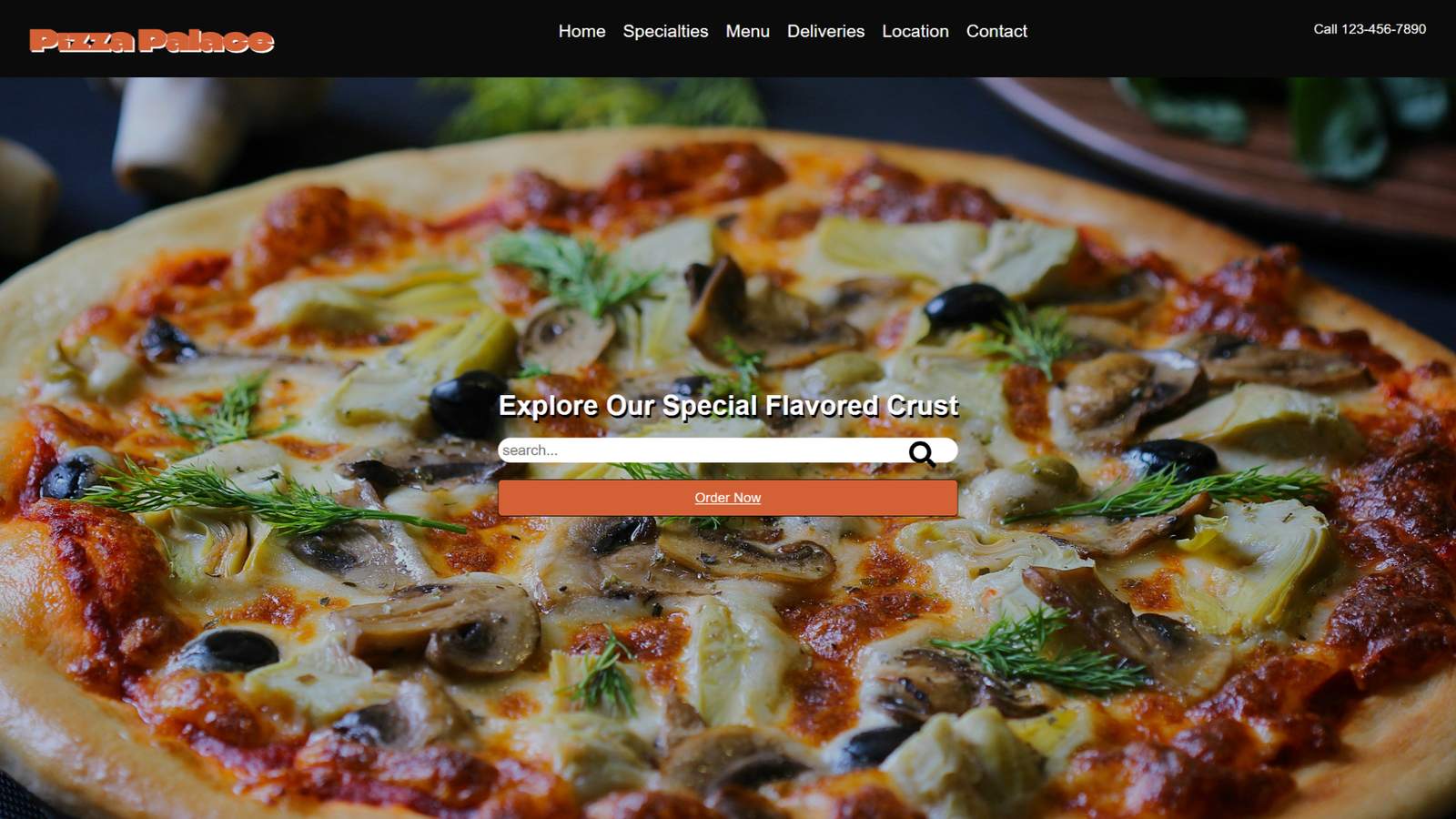
Pizza Palace Pizzeria: Website Structure & User Flow
A conceptual microlearning module that teaches how restaurant homepage sections work together.
Overview: Conceptual lesson explaining common restaurant website sections and the purpose of each.
Audience: Beginner web design learners (middle school + adult beginners).
Problem: Learners can code sections but often don’t understand why sections exist or how users move through a page.
Goal: Build a clear mental model of homepage structure and user flow.
- Identify key sections (nav, hero, specialties, menu, deliveries, location, contact).
- Explain how each section supports user needs and navigation.
- Answer a knowledge check about section purpose.
- Visual walkthrough + labeled layout diagram.
- User flow slide with arrows (top → bottom).
- Graded multiple-choice question with feedback + retries.
Tools: ActivePresenter (HTML5 export hosted and embedded).
Accessibility: Clear headings, readable contrast, consistent layout, no timed interactions.
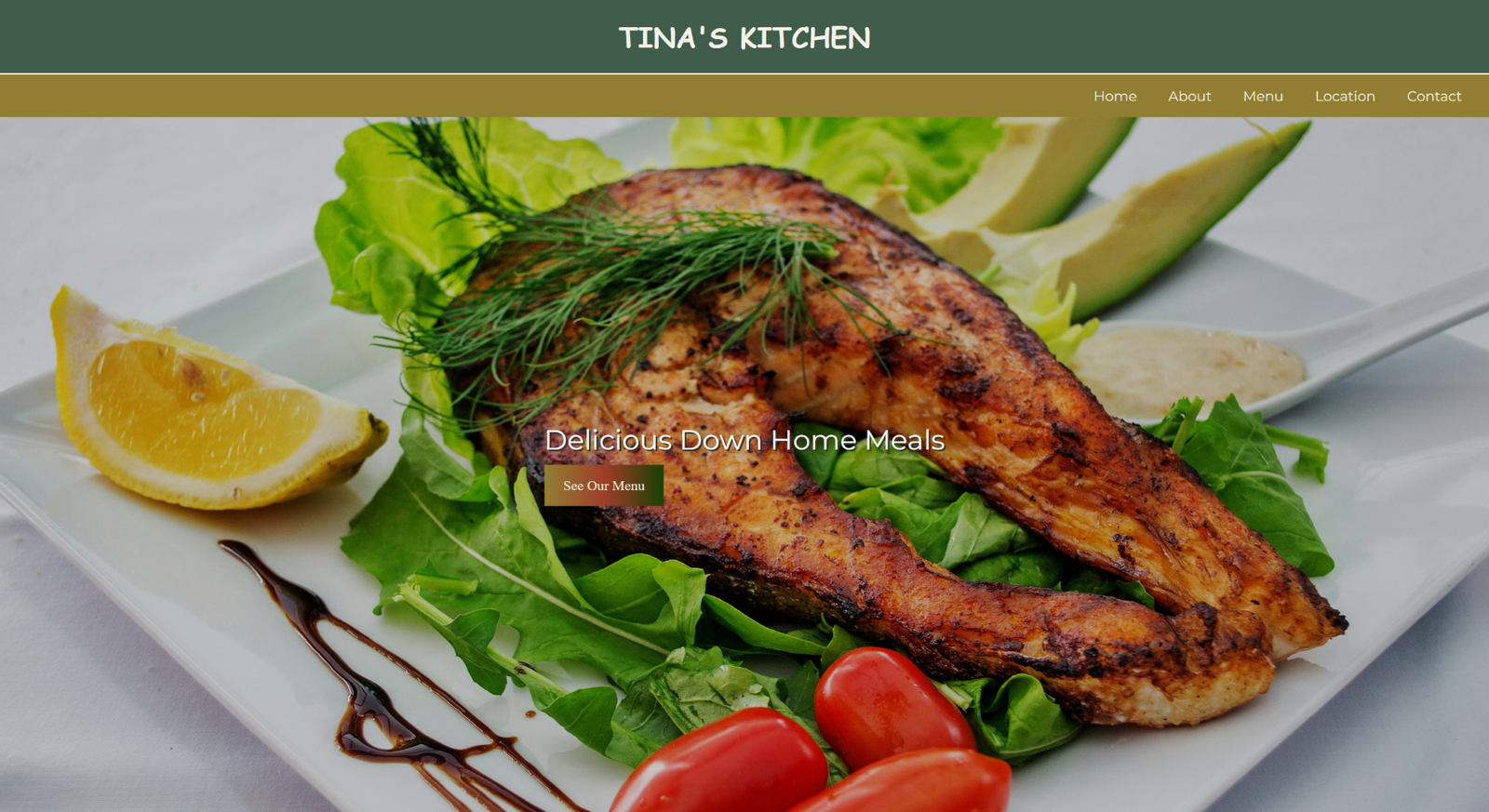
Tina’s Kitchen: Build a Nav + Hero (HTML & CSS)
A guided code-along lesson with checkpoints that teaches learners how to structure and style a navbar and hero CTA.
Overview: Guided build lesson where learners create a semantic header/nav and a hero section with a call-to-action.
Audience: Beginner HTML/CSS learners.
Problem: Learners struggle with clean structure, spacing, and layout patterns for nav + hero sections.
Goal: Teach a repeatable layout pattern learners can reuse on future websites.
- Build a semantic header with navigation links.
- Create a hero area with headline + CTA button.
- Practice layout spacing and alignment using a simple structure.
- Chunked steps with “Pause / Try It / Replay” guidance.
- Checkpoints to reduce errors and build confidence.
Tools: ActivePresenter + CodePen (practice and submission).
Accessibility: Clear instructions, readable text, no timed steps, consistent slide pattern.
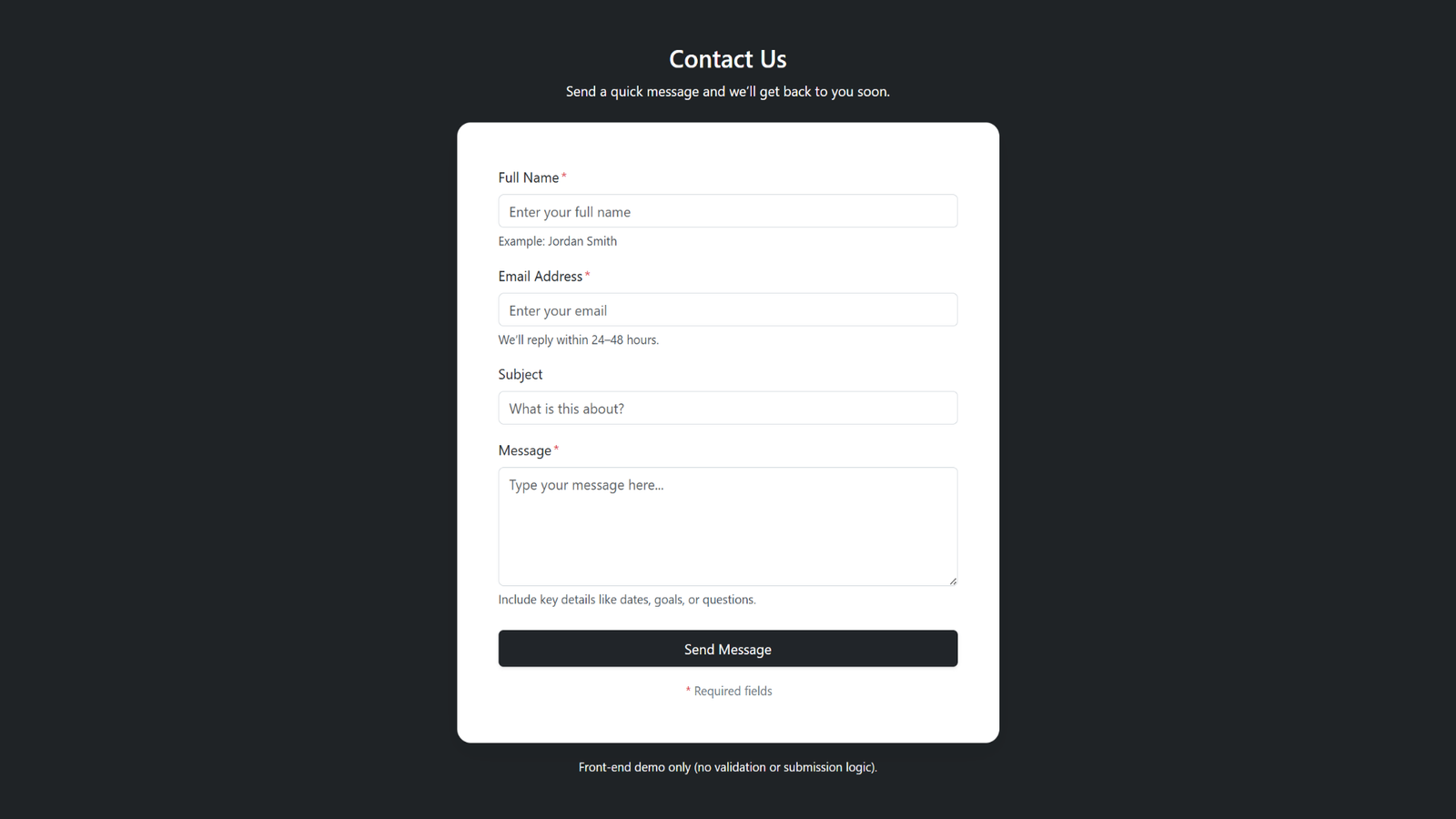
Interactive Contact Form: Front-End User Input
A front-end-only contact form demo focusing on structure, labels, and clean UI layout using Bootstrap.
Overview: A front-end contact form lesson focused on clean structure, layout, and user-friendly design using Bootstrap form components (UI only).
Audience: Beginners practicing form layout and basic UX patterns in front-end development.
Problem: Learners often build forms that look cluttered or confusing because they miss clear labels, spacing, and visual hierarchy.
Goal: Teach how to design a clear, readable contact form interface that users can understand quickly.
- Create a structured contact form with properly paired labels and input fields.
- Apply Bootstrap form styling for consistent spacing, alignment, and readability.
- Design a clear call-to-action button that stands out and supports usability.
- Learners interact with the form fields to observe layout, spacing, and readability.
- Demonstration of keyboard-friendly navigation (Tab order) and clear field labeling.
- Front-end-only note: explains that submitting a form requires a backend or form service.
Tools: ActivePresenter + HTML/CSS/Bootstrap (front-end UI only).
Accessibility: Label-to-input pairing, logical tab order, readable typography, and high-contrast form elements.
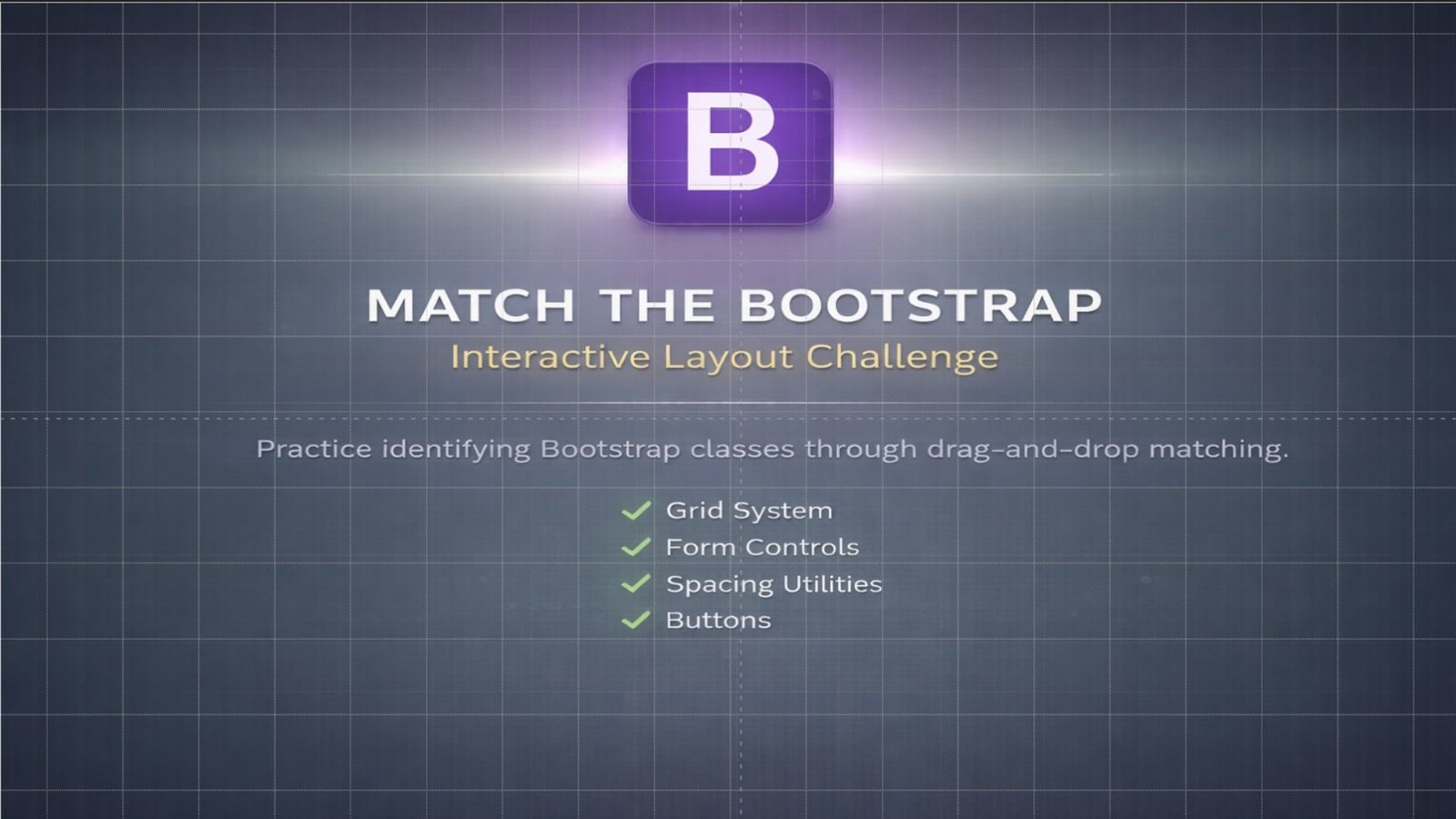
Match the Bootstrap Class to Its Purpose
An interactive matching activity that helps beginners connect common Bootstrap class names to what they actually do (grid, spacing, forms, and buttons) with instant feedback.
Overview: Microlearning matching activity that reinforces core Bootstrap classes by connecting each class name to its purpose through drag-and-drop practice and immediate feedback.
Audience: Beginner web design learners (middle school to adult beginners).
Problem: New learners often memorize class names without understanding when to use them, which makes Bootstrap feel overwhelming and slows down development.
Goal: Build quick, practical understanding of Bootstrap categories so learners can choose the right class with confidence.
- Identify core Bootstrap categories (grid/layout, spacing, forms, buttons).
- Match common class names to their correct purpose.
- Recognize how Bootstrap supports responsive structure and consistent UI styling.
- Active recall through matching (decision-making vs. passive reading).
- Immediate feedback to correct misconceptions on the spot.
- Chunked categories to reduce cognitive overload for beginners.
- Drag-and-drop class cards into purpose zones (Grid, Spacing, Forms, Buttons).
- Examples include
.container,.row,.col-*,m-*,p-*,.form-control, and.btn.
Tools: ActivePresenter (interaction + HTML5 export) + Bootstrap reference content.
Accessibility: Clear headings, readable typography, consistent layout, and non-timed interactions with supportive feedback.